
District 207 has provided the email tied to your InfiniteCampus account to SchooLinks so that you can have guardian access. The following instructions will help you log in.
Go to app.schoolinks.com/login/member
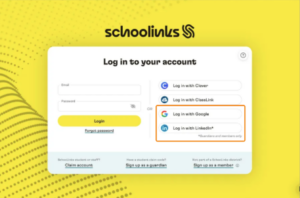
If you have a Google or LinkedIn email on file with the district, click Log in with Google or Log in with LinkedIn on the right-hand side of the login page, then select your connected Gmail account.
OR
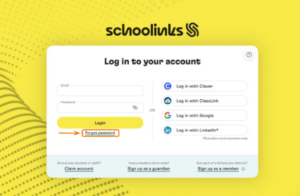
If you do not have a Google email on file with the district, click “Forgot password” below the login button. Enter in the email on file with the district and click Reset password.
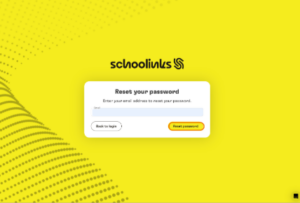
An email will be sent to create a SchooLinks password. Follow the instructions to create your password, then return to the login page and log in via email and password.
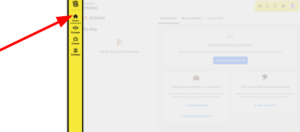
Once logged in, your dashboard will look like this. Click on the sections on the navigation bar on the left-hand side to start exploring!
Colleges
The Colleges category gives Guardians access to the following pages:
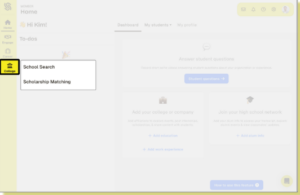
School Search
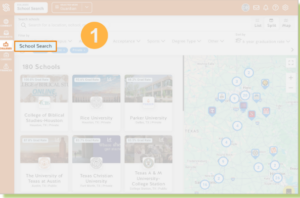
Through School Search you can search for colleges and learn all about them from the school’s profile page.
- Click Colleges in the side navigation bar, then select School Search.
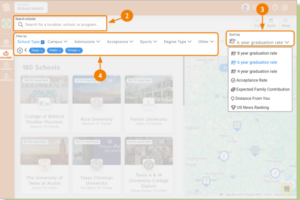
- Search for a location, school, or program
- Sort results to determine the order in which you want schools presented
- Use filters to narrow the list of colleges according to attributes
Learn more about how your student can use the School Search tool in SchooLinks 👉 Student: How to Use School Search